- Features
- Our Hometown Platform Overview
- iOS and Android Apps
- Social Media Autopost
- Audio Articles
- Customer Support
- Get Started
- Current Customers
- About Us
- Account
Customizing Your Shares with FS-Poster
Publish Settings
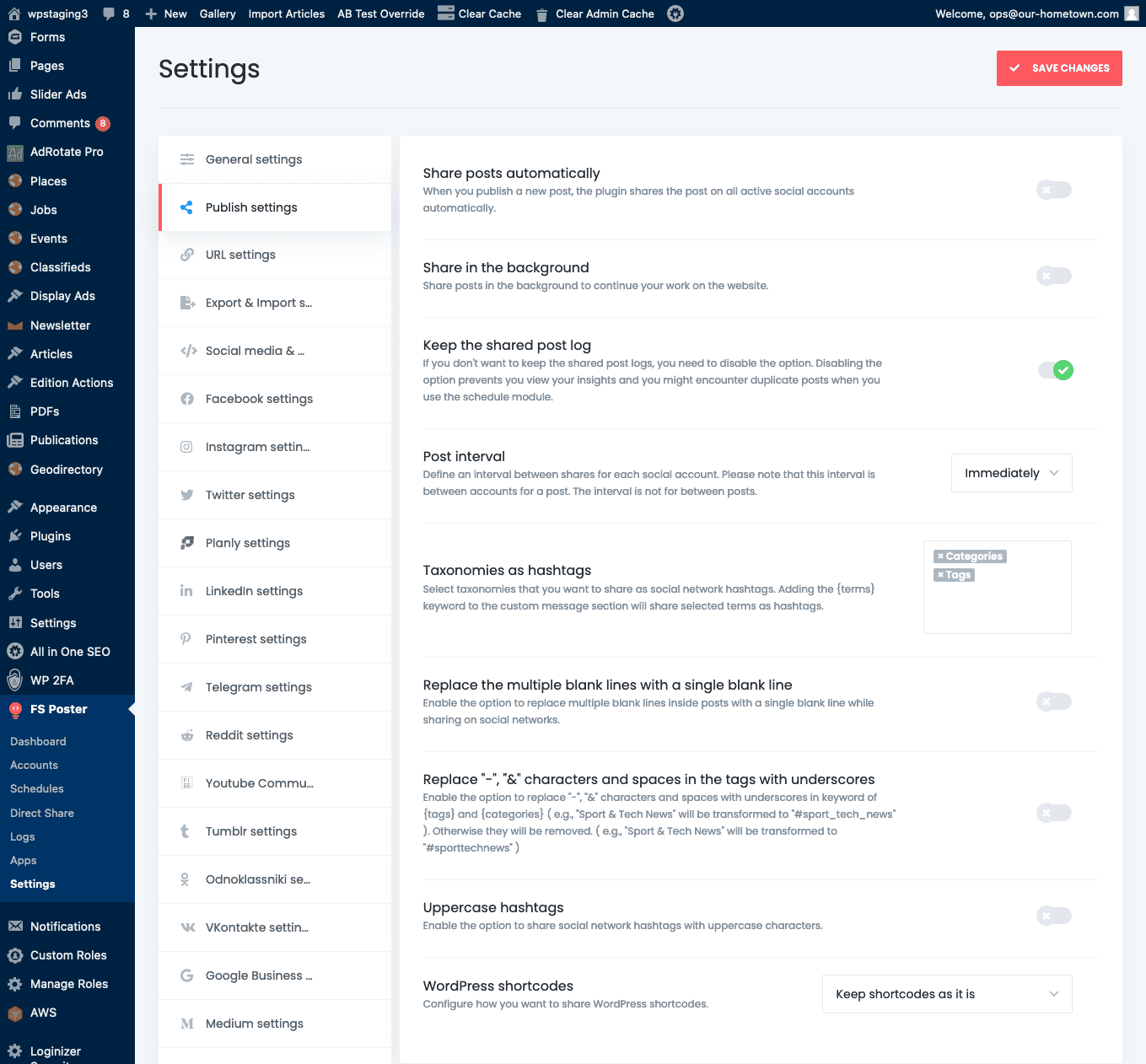
Under the Publish settings section of the Settings tab, you can set options that apply to shares across platforms.
The first option allows you to toggle automatic sharing. When using the scheduling module we will turn this off so that posts are only shared via the schedules we set there.
If you leave the Share in the background option off, when you manually share a post a progress window will provide you with feedback and must be dismissed.
The other important setting on in this section is for those wanting to utilize hashtags on their social media posts. You can add taxonomies that will be used as hashtags upon sharing, tags and categories being the most common.
There are also some other post formatting options for how text is handled during sharing.
Platform Settings
The default customization for each individual platform shares many aspects, so we will start with Facebook as a baseline. Note will be used for any shares generated by the scheduler, and can be overridden when sharing a post manually.
The plugin offers the following options for customizing Facebook posts:
You can choose where to share Facebook posts: on your Profile, on your Story, or both. Posting to a profile allows you to share to any pages or groups managed by that account. These settings should be toggled on.
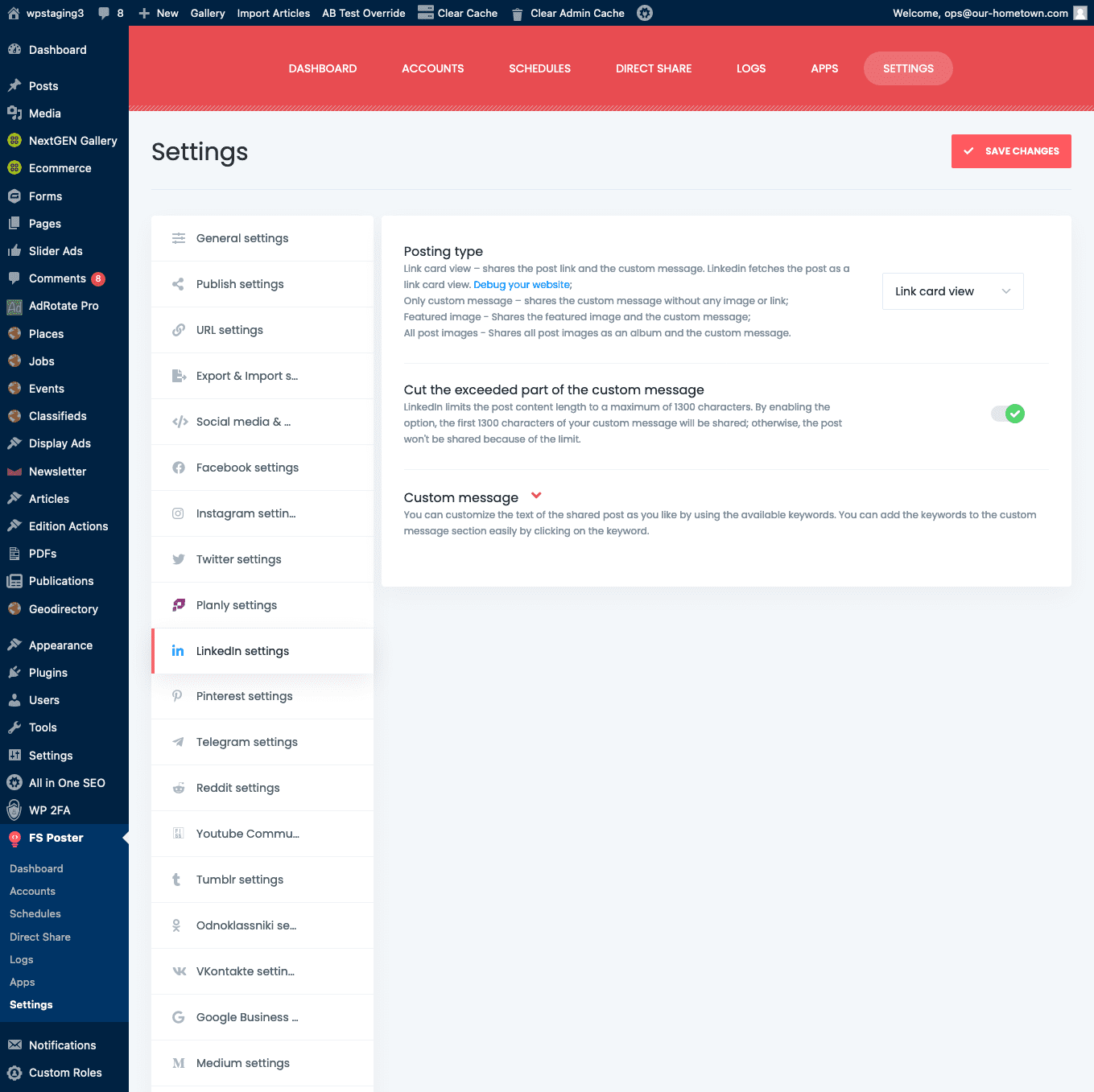
There are several post formats to choose from:
- Link card view – shares the post link and the custom message. Facebook fetches the post as a link card view.
- Only custom message – shares the custom message without any image or link;
- Featured image – Shares the featured image and the custom message;
- All post images – Shares all post images as an album and the custom message.
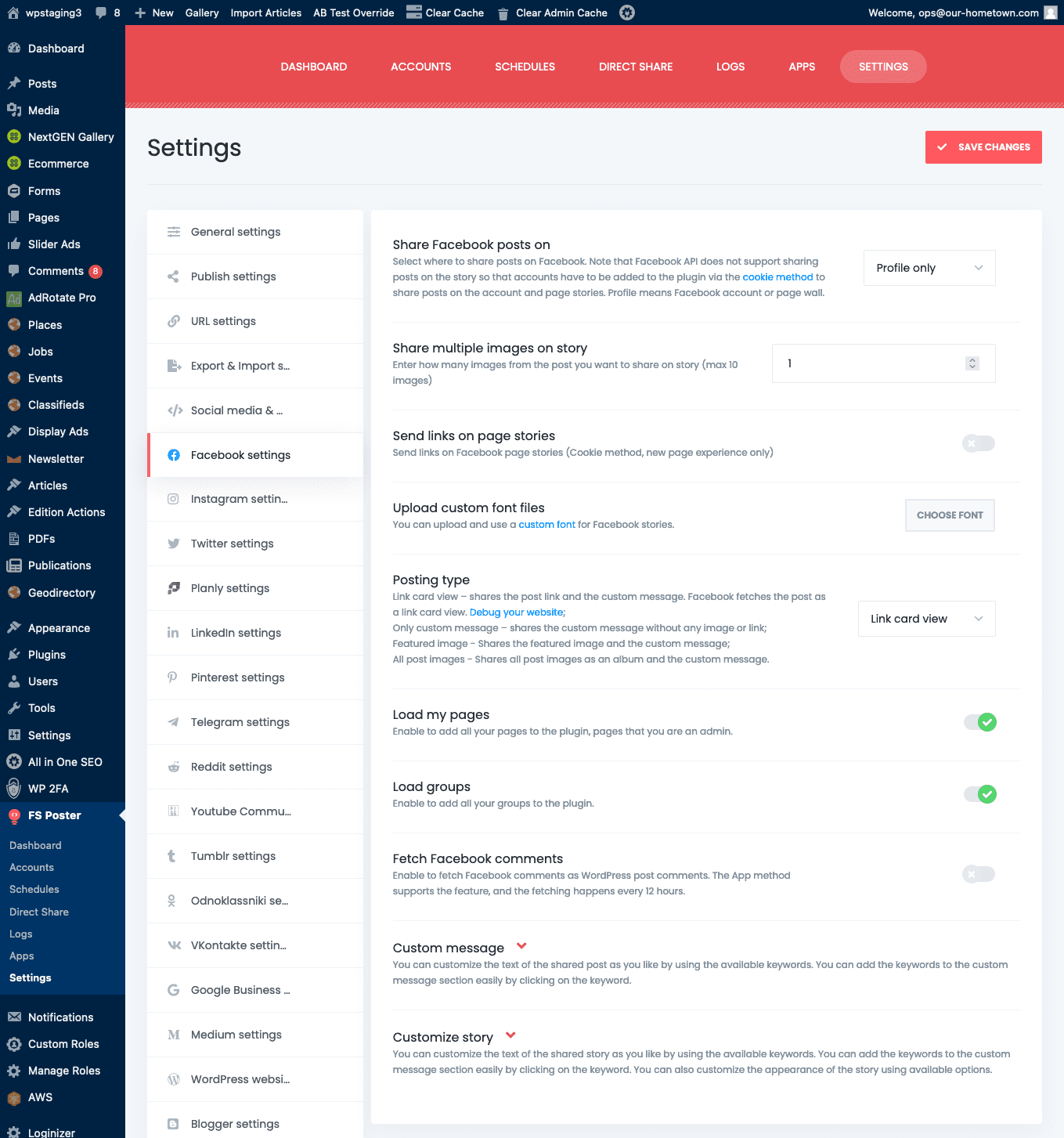
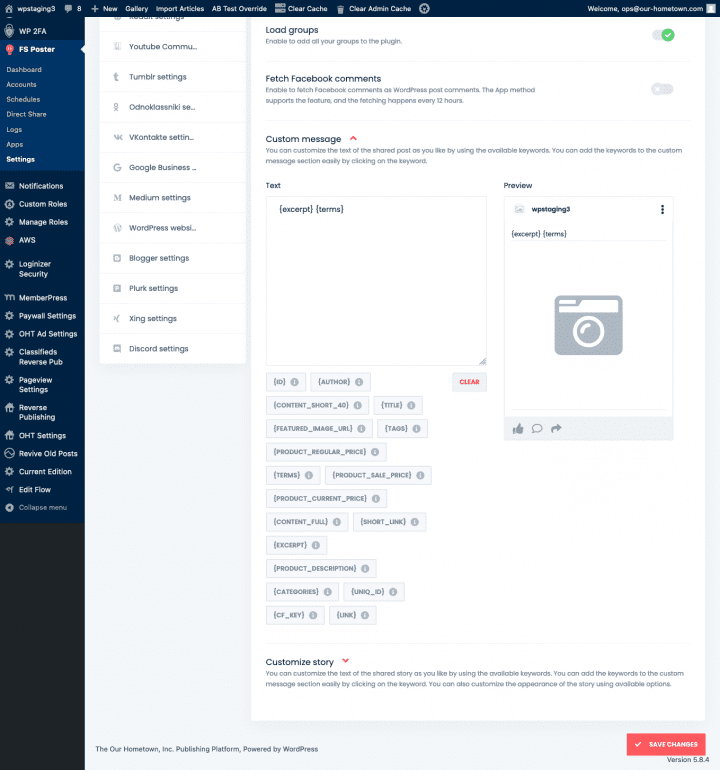
You can add a custom message to your Facebook post, which will appear alongside the image. Twirl down the Custom message pane and you will see a text field, a set of dynamic placeholders, and a rudimentary preview of the post.
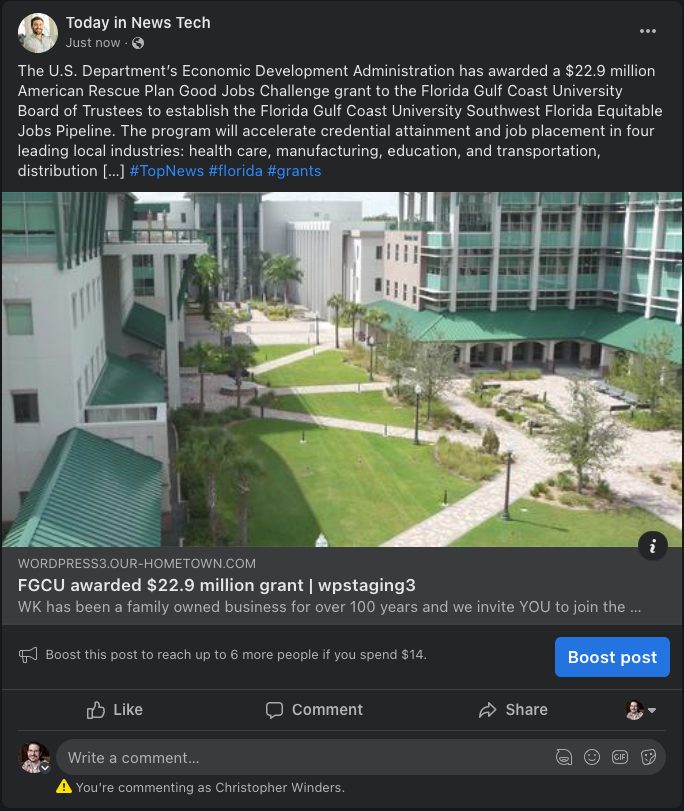
The placeholders are excellent for adding additional metadata to a post beyond just its content. For instance as mentioned before under Publish settings, you can assign WordPress taxonomies, such as categories or tags, to be used as hashtags in the custom text of a post by using the {TERMS} placeholder. Another very useful placeholder is {EXCERPT} which will add the excerpt from your article to the shared post.
Below is a Facebook share using the above settings.
Once you’ve set all your defaults be sure to click the Save Changes button.
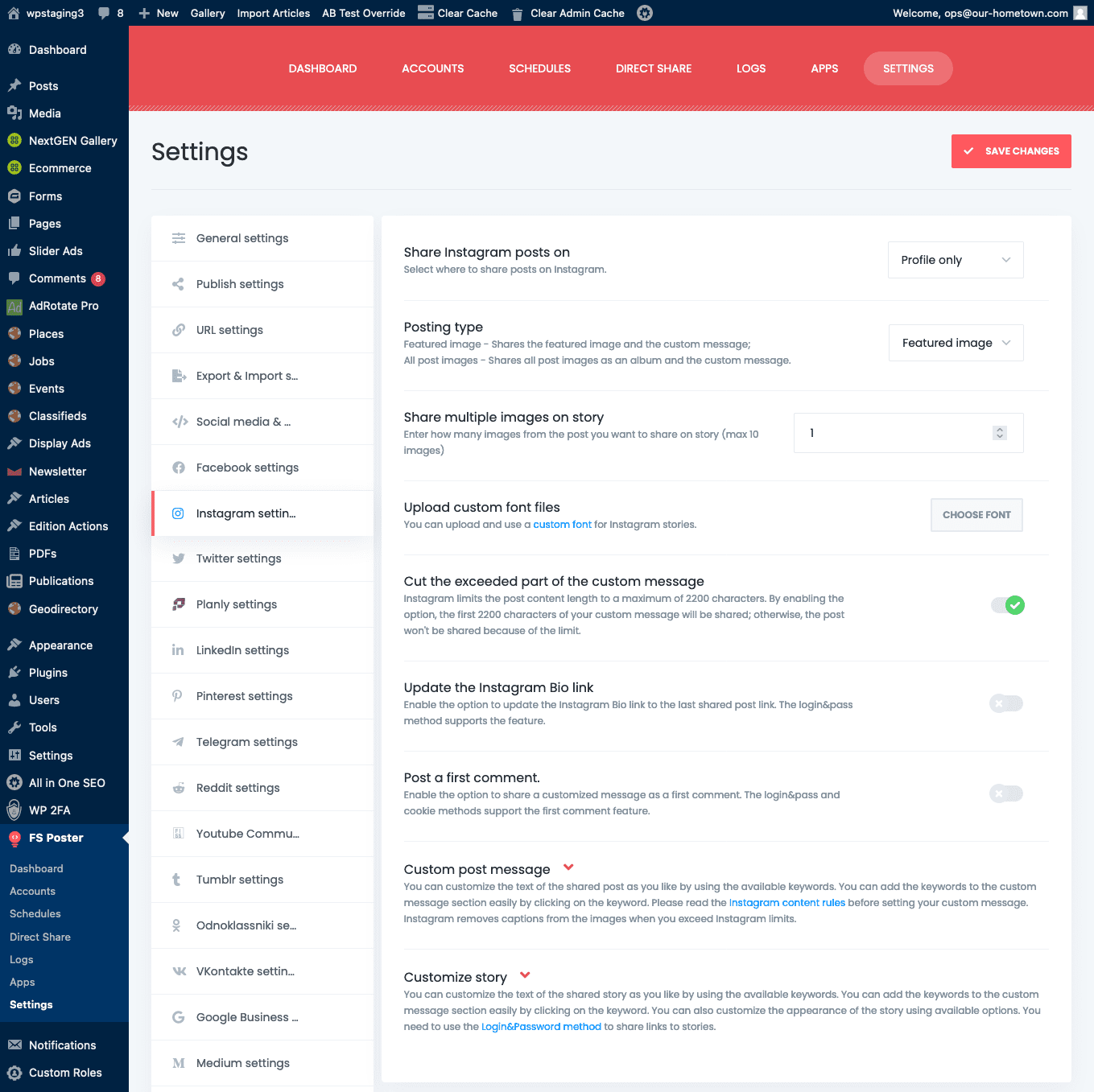
Common among the settings for each platform are: Post Format, and Custom Message. Other settings depend on the platform itself as Twitter doesn’t have pages or groups, and platforms also have different character limits on posts. These settings can be found under the section for each platform.