
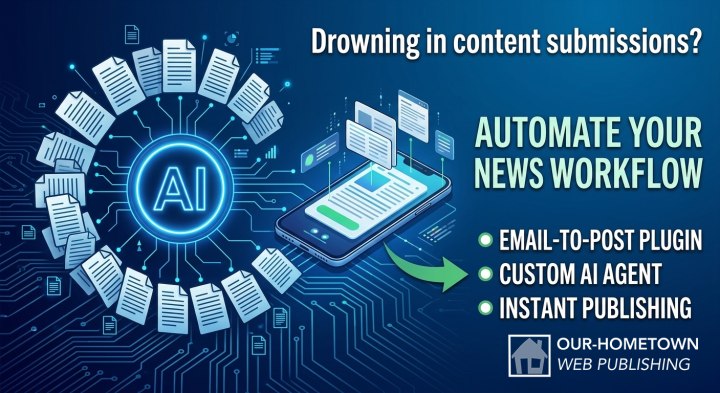
Drowning in Email? Turn Any Message Into a Website Draft.
|
Click play to LISTEN to the article below
|
For community publishers, email is still the center of the newsroom.
Press releases arrive from local businesses. Legal notices come from city and county offices. Staff members send story ideas while they’re away from the office. Community organizations share event information, photos, and announcements.
The challenge isn’t receiving information—it’s getting it onto your website.
Copying and pasting text, downloading attachments, creating drafts, uploading images, and organizing submissions all take time that could be spent reporting and publishing local news.
That’s why Our-Hometown created Email-to-Post.
Publish by Email—No Copying and Pasting Required
Email-to-Post gives your publication a unique email address that automatically creates draft content on your website.
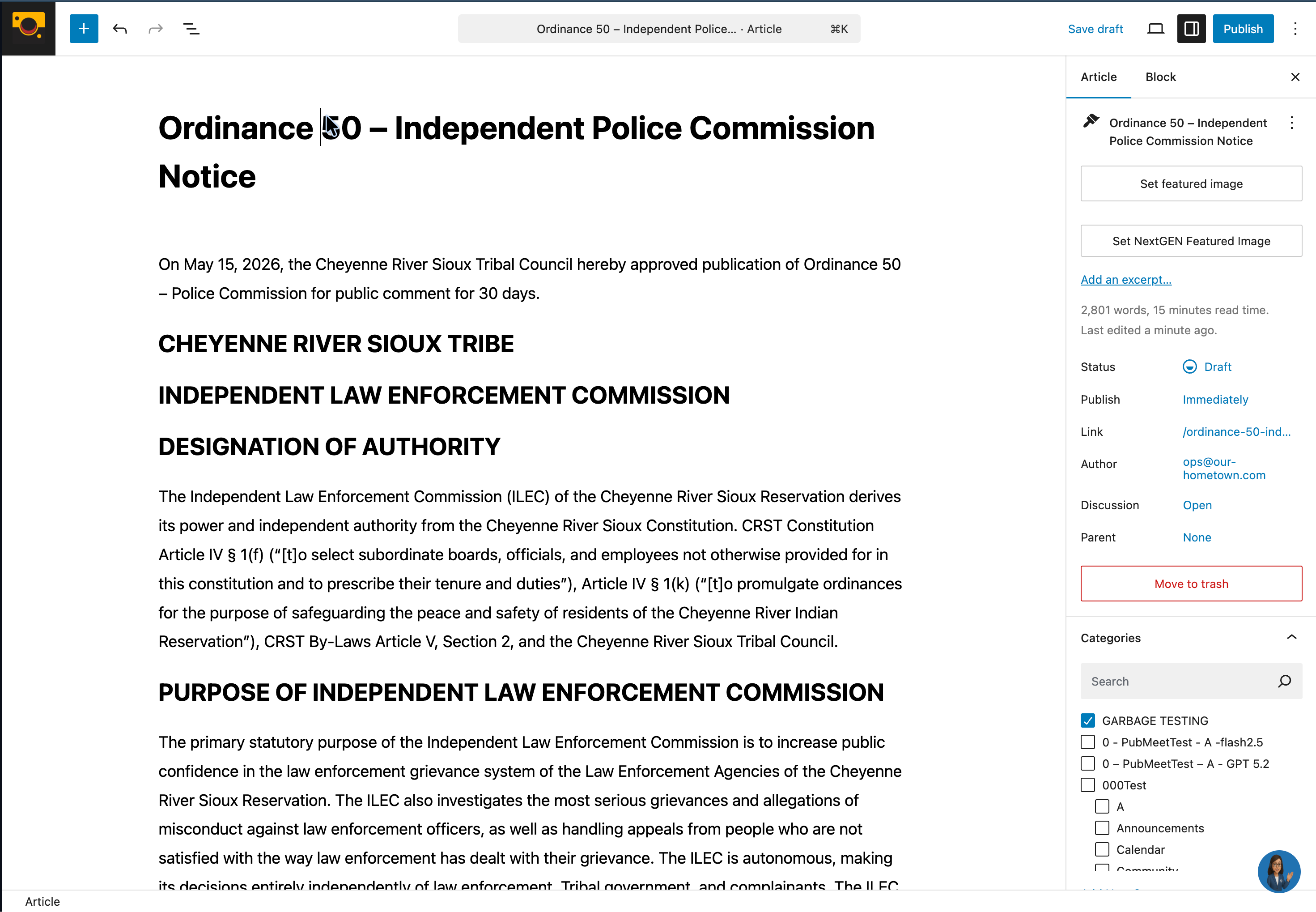
When content arrives in your inbox, simply forward it to your site’s Email-to-Post address. Within moments, a draft is waiting in your website dashboard, ready for review.
No logging in. No copying and pasting. No starting from scratch.
Just send an email and let the system do the rest.
Your Documents and Photos Come Too
Email-to-Post doesn’t just process the text in an email—it can also build a complete draft from supported attachments.
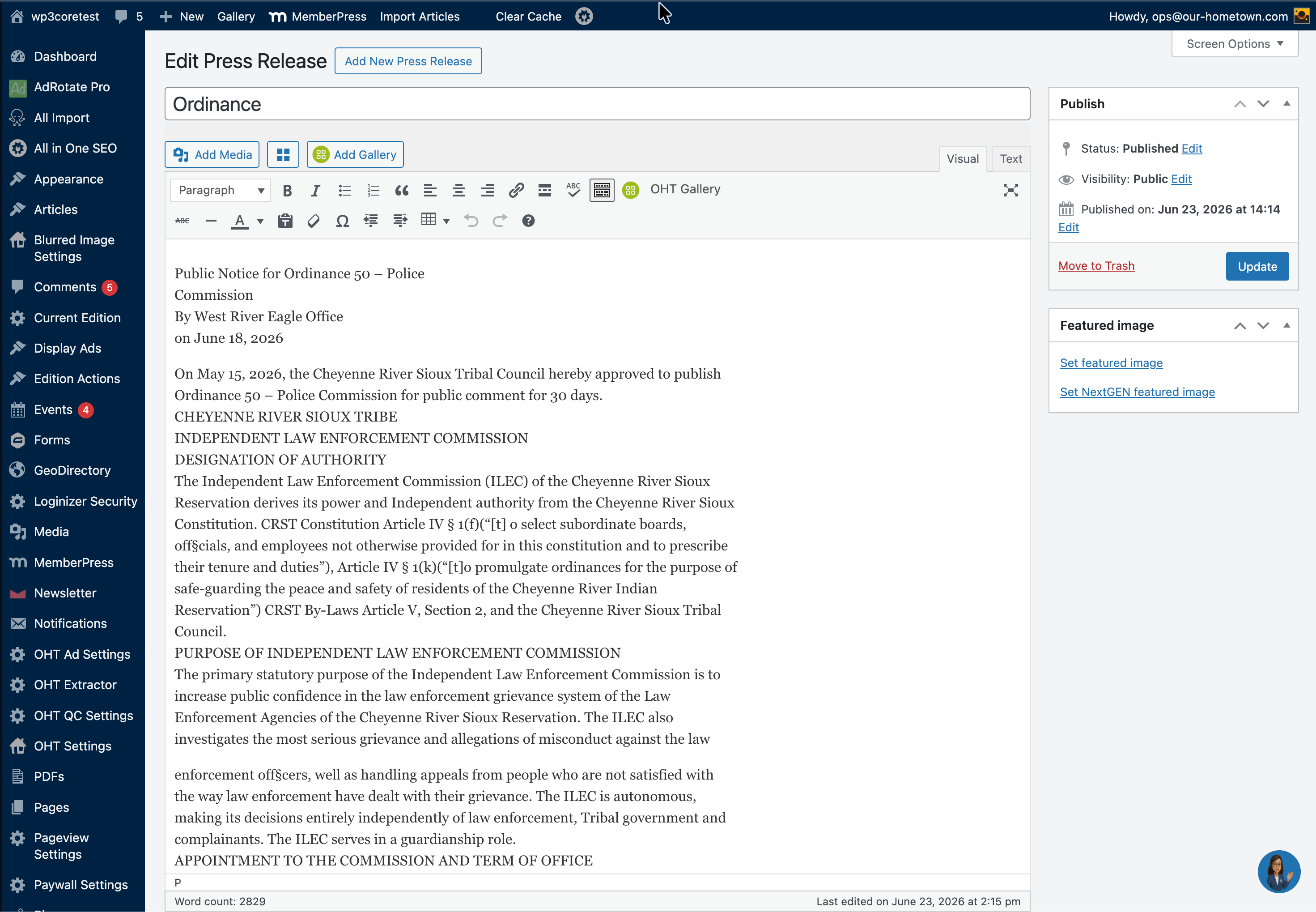
Attach a Microsoft Word document or PDF, and the system automatically extracts the document’s text to create the body of the article. If no supported document is attached, Email-to-Post simply uses the email itself.
Photos included with the submission are also carried into the draft automatically. The first image becomes the article’s featured image, while additional photos are placed within the article for editorial review.
The result is a draft that more closely reflects the original submission, preserving the text and accompanying images together while eliminating repetitive copy-and-paste work.
Three Ways Publishers Are Using Email-to-Post
1. Write Stories From Anywhere
Not every story starts behind a desk.
Whether you’re covering a community event, attending a meeting, or following up on a breaking story, you can draft an article directly from your phone using your favorite email app.
Send it to your Email-to-Post address, and a draft will be waiting on your website when you’re ready to continue editing.
It’s one of the fastest ways to capture ideas while they’re still fresh.
2. Simplify Legal Notices and Official Documents
Many publishers receive legal notices, public notices, agendas, and official documents through email from municipalities, attorneys, and government agencies.
Traditionally, those documents require several manual steps before they ever reach your website.
With Email-to-Post, staff simply forward the original email.
The system extracts text from supported Word and PDF attachments, includes accompanying photos when available, and prepares a draft for editorial review.
Better yet, you’re working from the original submission—not a copied-and-pasted version—making it easier to preserve accuracy while reducing administrative work.
3. Turn Press Releases Into News Drafts
Press releases remain an important source of local content, but they often require editing before publication.
For publishers using our optional AI-assisted workflow, Email-to-Post can automatically transform emailed press releases into news-style article drafts.
Simply forward the original email to your publication’s Email-to-Post address. The system creates a draft using the submitted documents and images, then applies the AI-powered rewriting process to produce a cleaner, publication-ready article for editorial review.
Editors remain in complete control, spending less time rewriting routine announcements and more time adding local context and deciding what deserves publication.
Built Around Your Existing Workflow
The best technology doesn’t force you to change how you work.
Email-to-Post fits naturally into the workflow your newsroom already uses. If your staff knows how to send or forward an email, they already know how to use Email-to-Post.
The workflow couldn’t be simpler:
- Send or forward an email.
- Email-to-Post extracts text from supported attachments—or uses the email body when no document is attached.
- Attached photos are added to the draft automatically.
- Review, edit, and publish when you’re ready.
That’s it.
Optional AI—Without the Technical Setup
Not every publisher wants AI involved in every submission—and that’s okay.
Email-to-Post works perfectly as a straightforward email-to-draft system. When you’re ready, you can also enable our optional AI-powered workflows for tasks like rewriting press releases into news-style articles.
Our-Hometown can even provide and manage the required OpenAI API access as part of the service, eliminating the need to create your own OpenAI account or manage technical configuration.
You decide when—and where—AI fits into your newsroom.
Technology That Supports Editors, Not Replaces Them
Email-to-Post isn’t designed to replace editorial judgment.
It’s designed to eliminate repetitive tasks.
Instead of spending time copying text, downloading documents, uploading images, and creating new drafts, your staff can focus on what they do best: verifying information, adding local context, and producing quality journalism for your community.
Automation handles the busy work.
Your newsroom stays in control.
Ready to Simplify Your Publishing Workflow?
Every publication receives its own dedicated Email-to-Post address, making it easy for reporters, editors, and office staff to submit content directly to the website.
Whether you’re forwarding a legal notice, emailing a story from your phone, or transforming a press release into a polished article, Email-to-Post helps move information from your inbox into your editorial workflow in seconds—so your team can spend less time managing email and more time publishing local news.
Reach out to us at ops@our-hometown.com if you’d like to learn more about getting this pipeline set up for your team.








Recent Comments